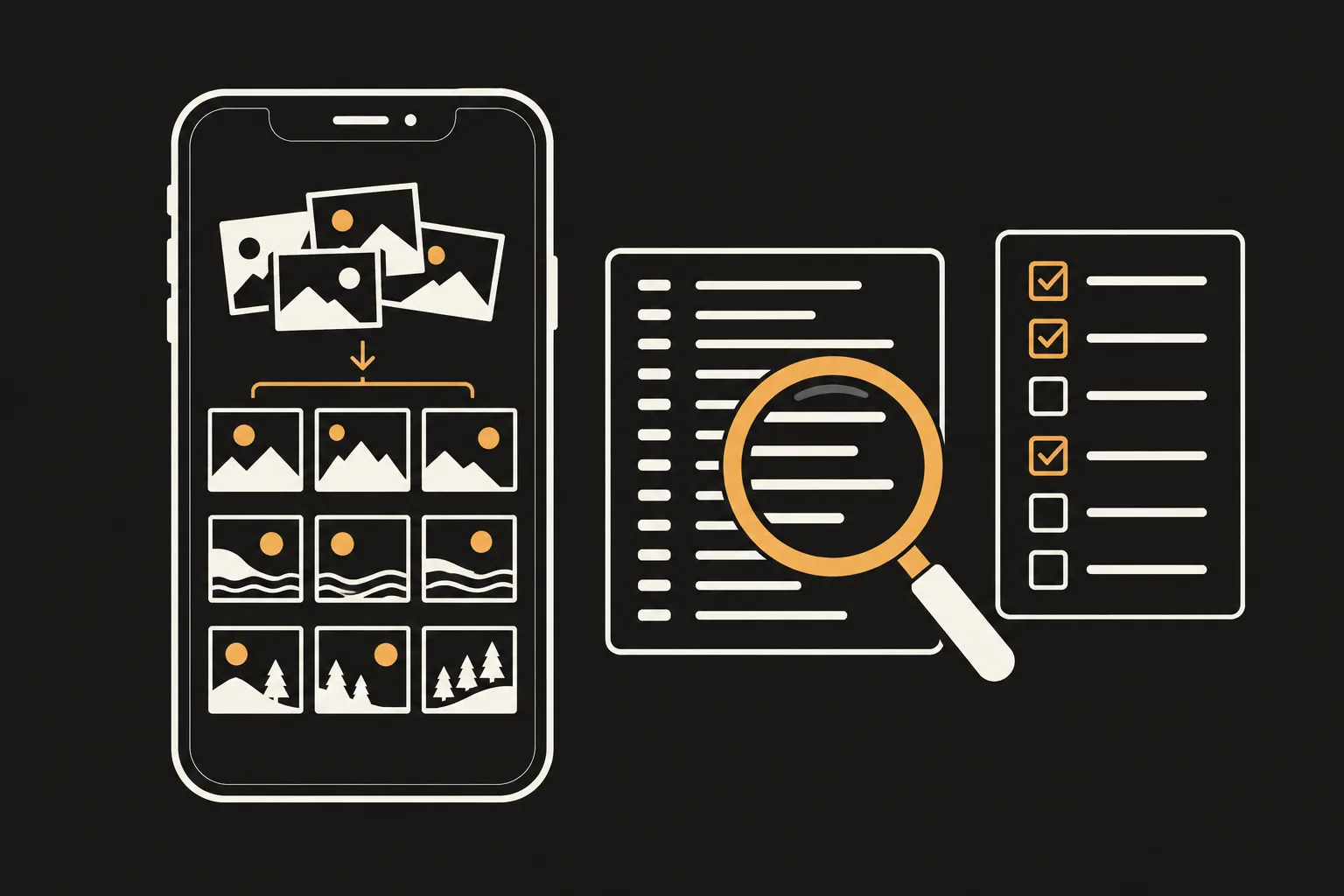
Some iPhone apps let you find and delete duplicate photos without uploading them, because they analyze photos on the phone itself. PhotoSlimmer, which we (newmean.ai) make, is one of them. To check any other app, start with its App Privacy label and privacy policy, then compare what the developer says with what App Privacy Report and an airplane mode test show on your iPhone. No single check proves that an app never uploads photos.
Written 1 November 2026. Settings names checked against Apple Support, and App Store labels against the App Store, on 1 November 2026.
The App Privacy section on an app's App Store page shows what data the developer says the app collects, and whether that data is linked to you or used to track you. Data Not Collected means the developer says the app collects no data.
Treat the label as a statement from the developer, then check it with the steps below.
The privacy policy is where to check where photos are analyzed and what data is collected. You can open it from the link in the App Privacy section. For a photo cleaner, look for these:
Giving a photo cleaner access to your photos doesn't necessarily mean the developer collects them. Apple notes that an app can have access to data on your device without the developer collecting it, for example when the data is kept only on your device. A photo cleaner needs access to your photo library to find anything.
Since iOS 14.5, apps must ask permission before tracking your activity across other companies' apps and websites. The request asks whether the app may track you. It doesn't tell you whether your photos are uploaded.
App Privacy Report (iOS 15.2 or later) shows when apps accessed data such as your photos, and which domains they contacted, over the past 7 days.
A list of domains alone doesn't show whether photos were uploaded, or what was sent. If you don't recognize a domain, ask the developer what the connection is for and what data, if any, is sent.
An airplane mode test shows whether a scan can finish with no connection. Open Control Center, turn on Airplane Mode, and make sure Wi-Fi is off too before you start a scan. If you've turned Wi-Fi back on in Airplane Mode before, it may still be on.
A finished scan doesn't show whether other features use the network, or whether the app sends data once you're back online. Check App Privacy Report again after you reconnect.
PhotoSlimmer is a photo cleaner app we (newmean.ai) make. It finds duplicate, similar, blurry and closed-eye photos, and works on iPhone (iOS 18.0 or later) and Android. Here's how it looks against the checks above.
Yes. PhotoSlimmer, the iPhone photo cleaner we make, lets you find and delete duplicate photos without uploading them. The analysis runs on your iPhone, and you choose which photos to delete. You can delete up to 50 photos a day for free, and a one-time purchase, US$9.99 on the US App Store as of 1 November 2026, removes the limit with no subscription. The built-in Photos app also has a Duplicates album where you can merge duplicates.
Read the App Privacy label and the privacy policy on the app's App Store page. Then turn on App Privacy Report in Settings > Privacy & Security, run a scan, and see which domains the app contacted, and try a scan in Airplane Mode with Wi-Fi off. Domain records don't show what was sent, and a scan that works offline doesn't rule out uploads later.
It means the developer says the app collects no data. The App Store notes that this information has not been verified by Apple. Read it together with the privacy policy, and check the app's network activity in App Privacy Report.
Yes. PhotoSlimmer has no ads, no account, and no analytics, advertising or tracking SDKs, and its App Store privacy label is Data Not Collected. For any app, you can see whether it asked to track you in Settings > Privacy & Security > Tracking.
It depends on the app. Turn on Airplane Mode, check that Wi-Fi is off, and start a scan. The iPhone version of PhotoSlimmer makes zero network requests during photo scans, and the Android version has no internet permission.
Not necessarily. Apple notes that an app can have access to data on your device without the developer collecting it, for example when the data stays on your device. Whether photos leave your phone is a separate question, and the checks above help you answer it.
PhotoSlimmer is free to download. Run the checks above on it yourself, look at what it finds in your own photos, and delete up to 50 photos a day for free.