 On-device analysis. Free daily limit. One-time purchase. No subscription.
Tidy your camera roll in minutes. PhotoSlimmer finds blurry and closed-eye photos right on your phone. No ads, no subscription, and your photos never leave your device.


 Scan with your phone camera
Free on the App Store and Google Play · No ads · No subscription
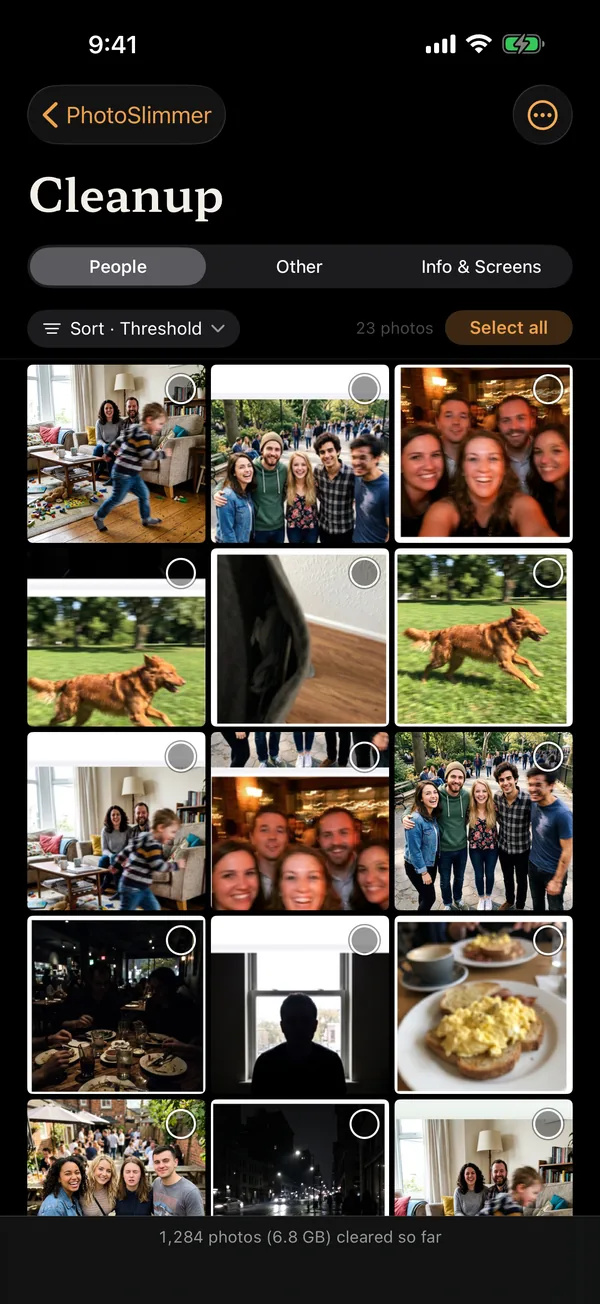
Duplicates and screenshots are easy to find yourself. The hard part is the blurry shots and the photos where someone blinked. That's what PhotoSlimmer looks for.
Scan your library, review the candidates it surfaces, and keep only the photos you love.
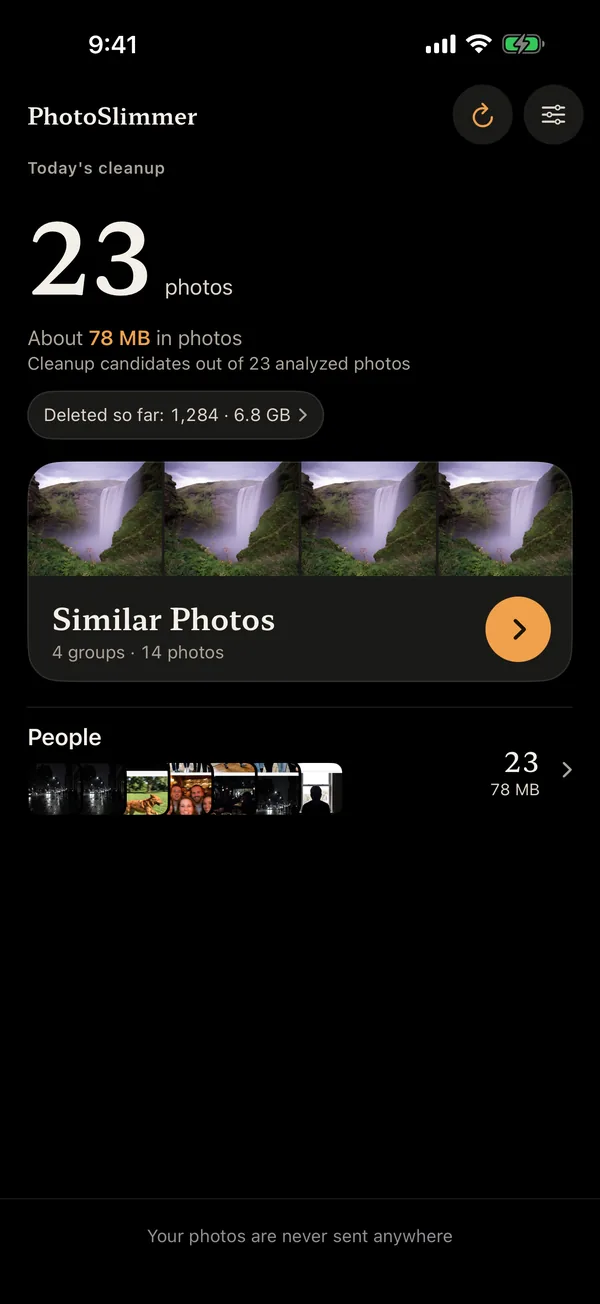
It scans recent months and surfaces cleanup candidates.
Similar photos sit together, so you review fast.
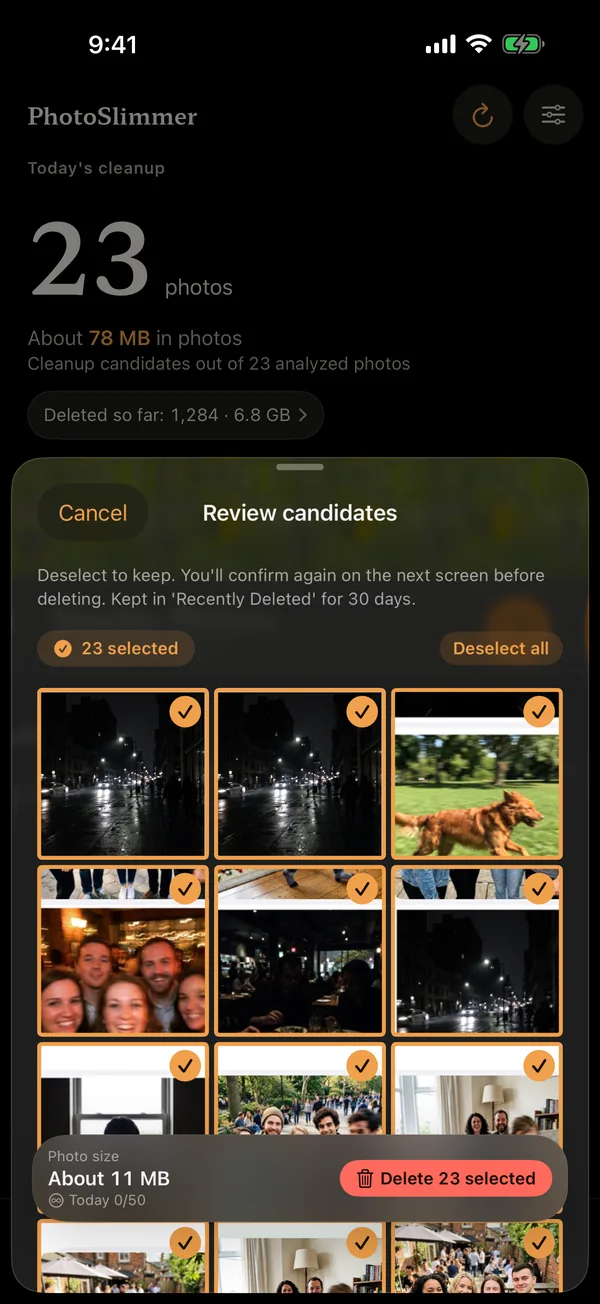
Compare nearby shots and mark only what you don't want.
Sorting photos was such a chore that my wife kept asking me whether AI could do it for her. So I built PhotoSlimmer. Below is the review she left on App Store Korea after using it, and one from our first paying customer. Translated from Korean, shown in full.
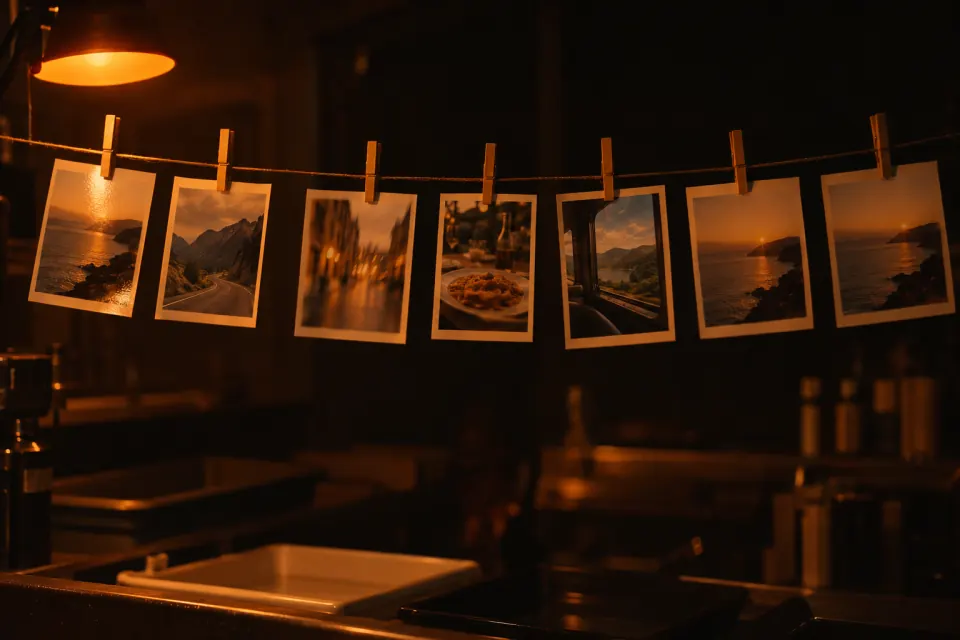
Rated 5 out of 5
Really satisfying
Every time I came back from a trip, sorting out the duplicate photos felt overwhelming. Now I can search them split into almost identical and a little similar, it finds the shaky shots, and it can even sort by people and things. So convenient. I recommend it.
Rated 5 out of 5
Photo cleanup app
I have a lot of photos, so keeping them organized was a worry. This app is really convenient. It finds duplicate and similar photos all at once, which made freeing up space easy. Knowing the analysis happens only on the device also eased my privacy concerns. It's intuitive, so anyone can use it. If you're looking for a photo cleanup app, this is one you'll be happy with. I recommend it.
All analysis runs on your device. No accounts, no tracking, no servers that ever see your photos.
PhotoSlimmer never deletes on its own. Deleted photos go to Recently Deleted on iPhone or to the trash on Android, so you have 30 days to change your mind.
Blurry and out-of-focus shots, closed or blinking eyes, grouped by category so similar photos are easy to review together.
Scanning and reviewing are free, and you can delete up to 50 photos a day at no cost. The optional one-time Unlimited purchase removes the daily limit for good. One payment, yours forever. No subscription.
No. Scanning and reviewing are free, and you can delete up to 50 photos a day for free. A one-time Unlimited purchase removes the limit for good. No subscription, no recurring charges.
No. All analysis runs on your phone. Nothing leaves your device. There are no accounts, no ads, and no tracking.
Duplicates are identical copies. Similar photos are near-identical shots taken moments apart, like bursts or retakes. PhotoSlimmer finds both and groups them in Similar Photos. If you saved the same photo twice, or saved it again after receiving it in a messaging app, those copies are marked “Exact copies” even when the dates differ. You choose which photo to keep, and nothing is deleted automatically.
Yes. That's the hard part PhotoSlimmer is built for. It flags out-of-focus shots and photos where someone blinked, grouped by category so you can review them together.
The Photos app can merge exact duplicates. PhotoSlimmer goes further: similar shots, blurry photos, and closed eyes, with everything grouped for quick review. Nothing is deleted automatically.
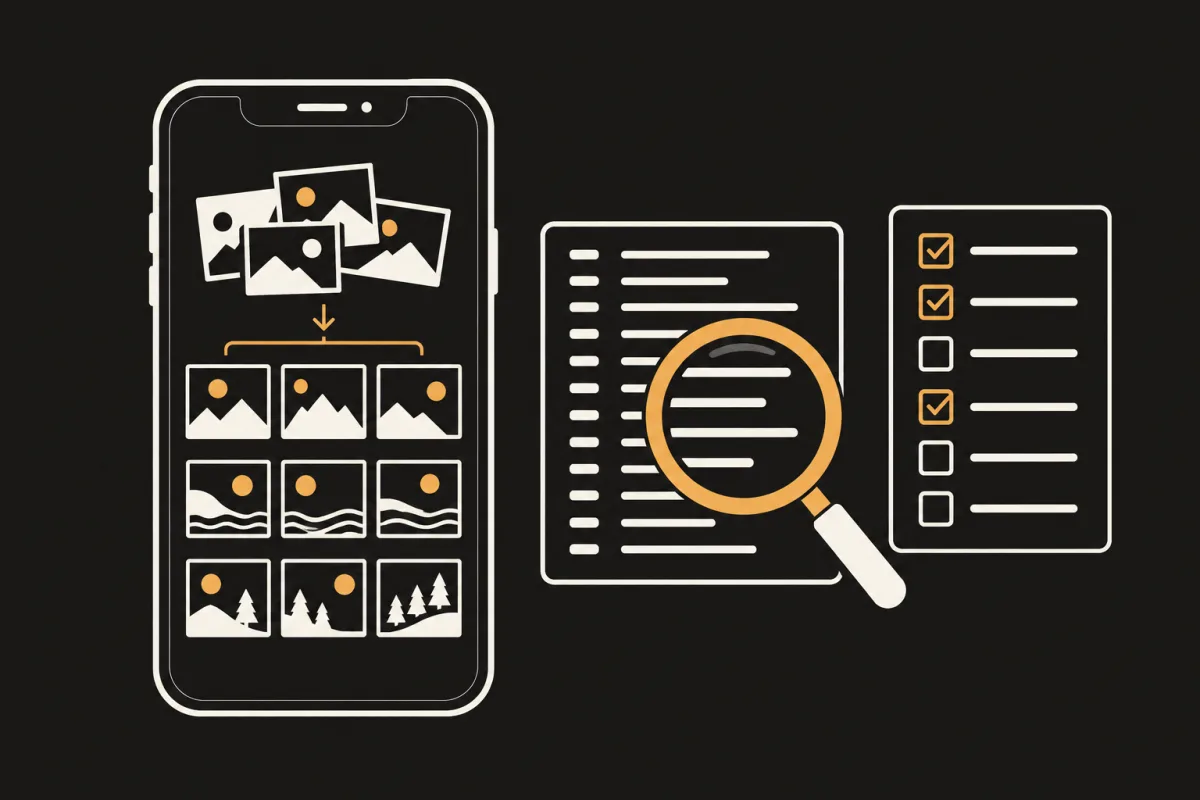
Some iPhone photo cleaners find and delete duplicates without uploading photos. Check any app with its App Privacy label, App Privacy Report and airplane mode.
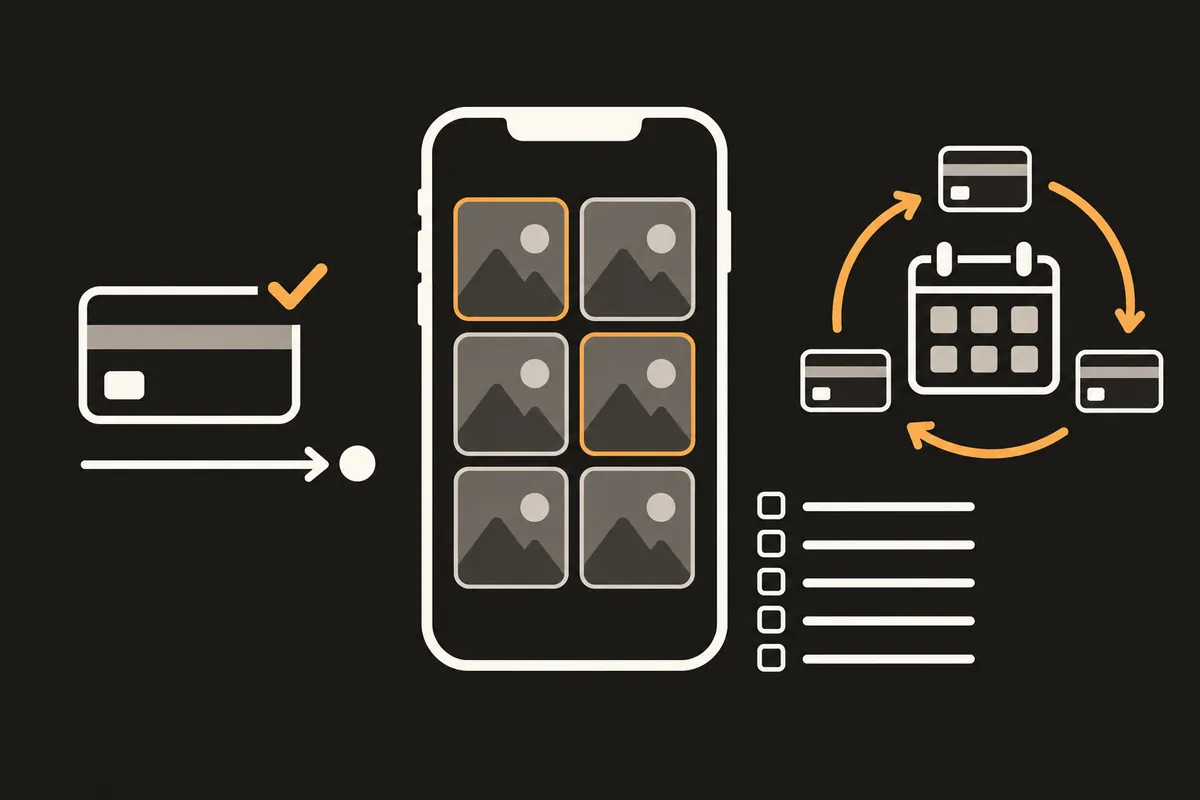
Some iPhone photo cleaner apps are a one-time purchase with no subscription. What to check: pricing, free limits, uploads to a server, and PhotoSlimmer.
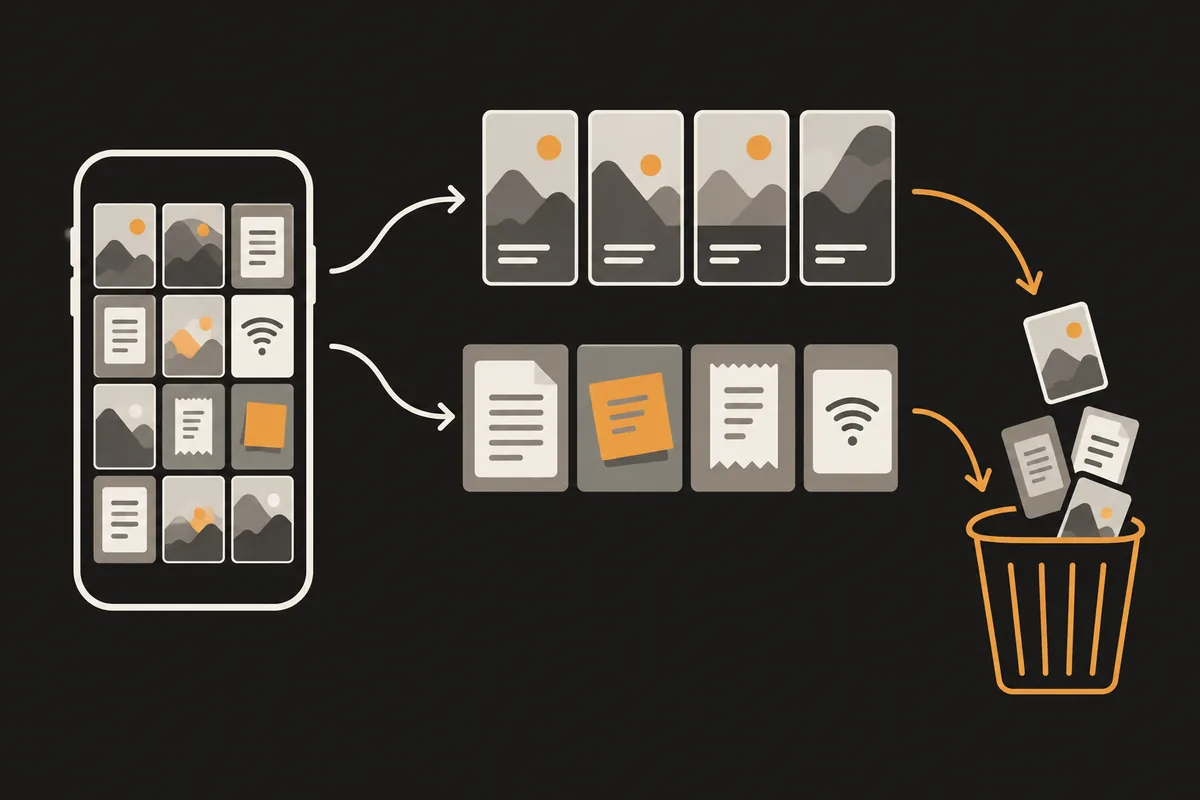
Screenshots have their own collection in Photos. Find it on iOS 18, 26 and 27, delete many at once, and check Recently Deleted if storage doesn't drop.
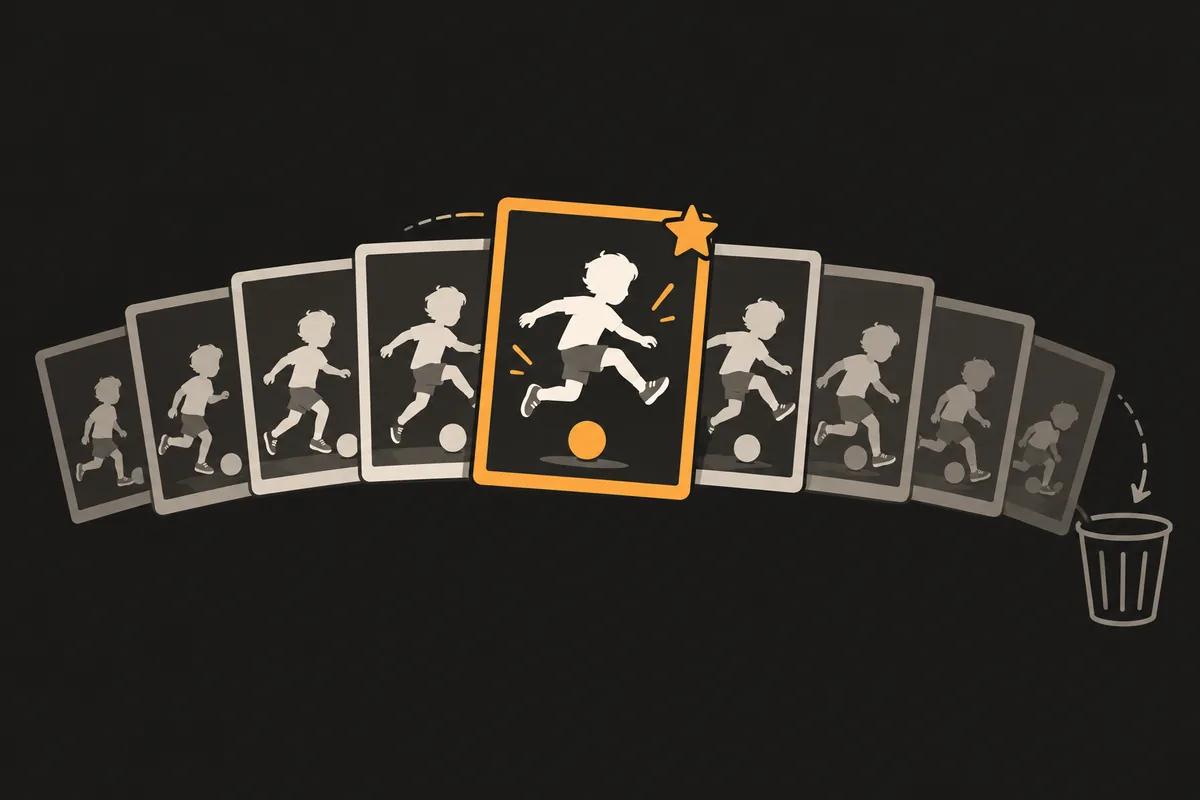
To delete a whole burst, open it and tap the Delete button. To keep the best shots, tap Burst (number) on iOS 26 and 27, or Select on iOS 18 and earlier.
Free on the App Store and Google Play · No ads · No subscription